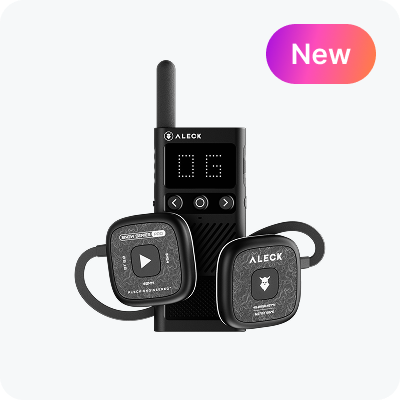
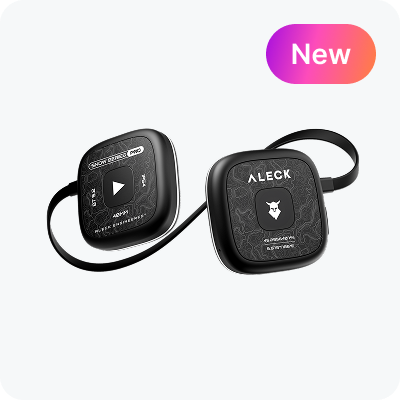
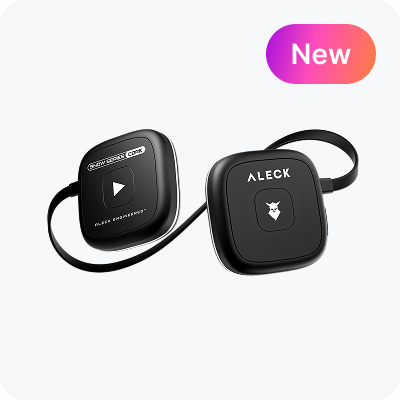
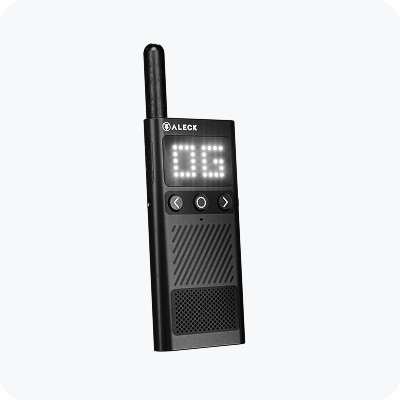
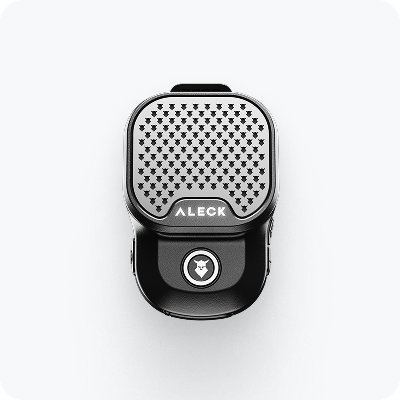
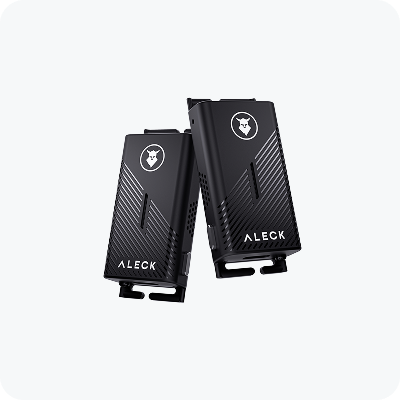
Support for Aleck 006

Snow Helmet Headphones

Quick Start Guide

Quick device setup for convenient use

Download Aleck App

Step 1

Download Aleck App

To continue, please download the Aleck app from the App Store or the Google Play Store.

Follow Instructions in App

Step 2

Follow Instructions in App

If this is your first time using the app, complete the onboarding process.

If not, tap «Add Device», then tap «Aleck Snow» and follow the process.

Device Controls

Make sure the Firmware of your device is up to date

Power

Power

Press & Hold Right for 4s

Bluetooth Pairing

Bluetooth Pairing

Press & Hold Both for 4s

Volume Cycling

Volume Cycling

Press & Hold Left

Play / Pause

Play / Pause

Single Tap Right

Track Forward

Track Forward

Double Tap Right

Track Backward

Track Backward

Triple Tap Right

Answer / End Call

Answer / End Call

Single Tap Right

Call Un/Mute

Call Un/Mute

Double Tap Right

Voice Assistant

Voice Assistant

Press & Hold 1 second
activates Siri or Google
Assistant

Factory Reset

Factory Reset

Press & Hold Both for 10s

User Manual

Download User Manual in PDF format

<p>Aleck 006 User Manual</p>

Aleck 006 User Manual

Last update: 25 February 2025

Download

Helmet Compatibility

Full list of helmets compatible with Snow Series

<p>Snow Series Helmet Compatibility</p>

Snow Series Helmet Compatibility

The Snow Series is compatible with most helmets

Explore

Have Questions?

Visit Aleck Help Center or Contact Us

Help Center

Check out our FAQs for guidance on setup, troubleshooting, and in-depth information.

Go to Help Center

Contact Us

Have questions or need assistance? We will help you!

Send Email