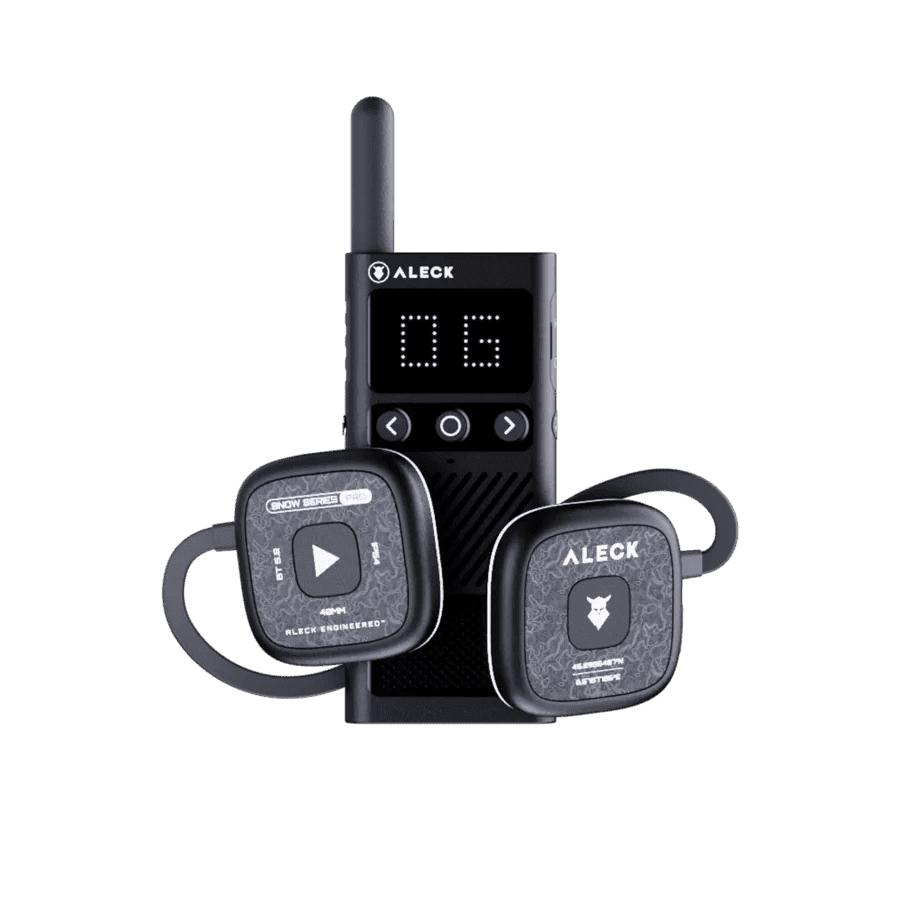
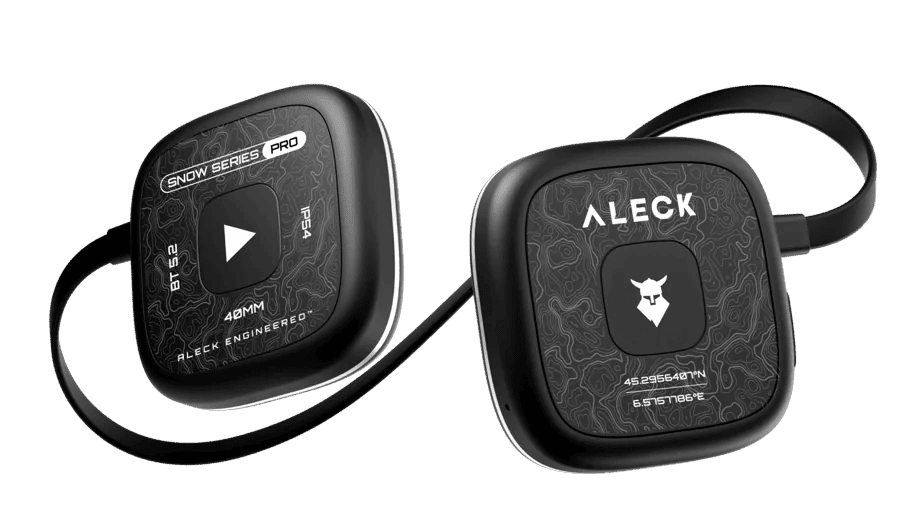
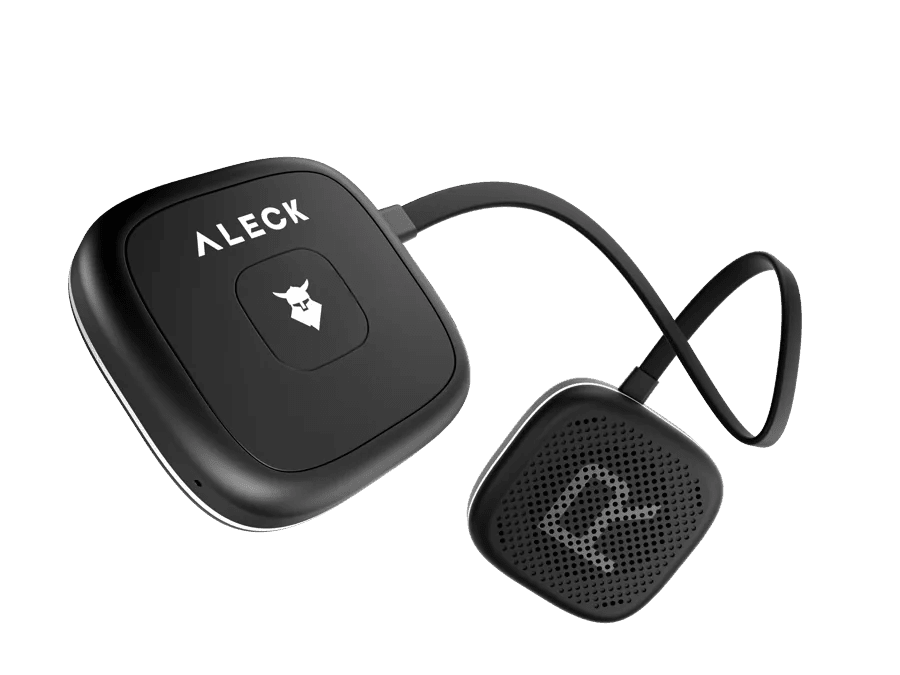


Support for Aleck Off Grid

Off Grid Walkie Talkie

Quick Start Guide

Quick device setup for convenient use

Download Aleck App

Step 1

Download Aleck App

To continue, please download the Aleck app from the App Store or the Google Play Store.

Follow Instructions in App

Step 2

Follow Instructions in App

If this is your first time using the app, complete the onboarding process.

If not, tap «Add Device», then tap «Off Grid» and follow the process.

Quick Start Videos

Short videos to get you started

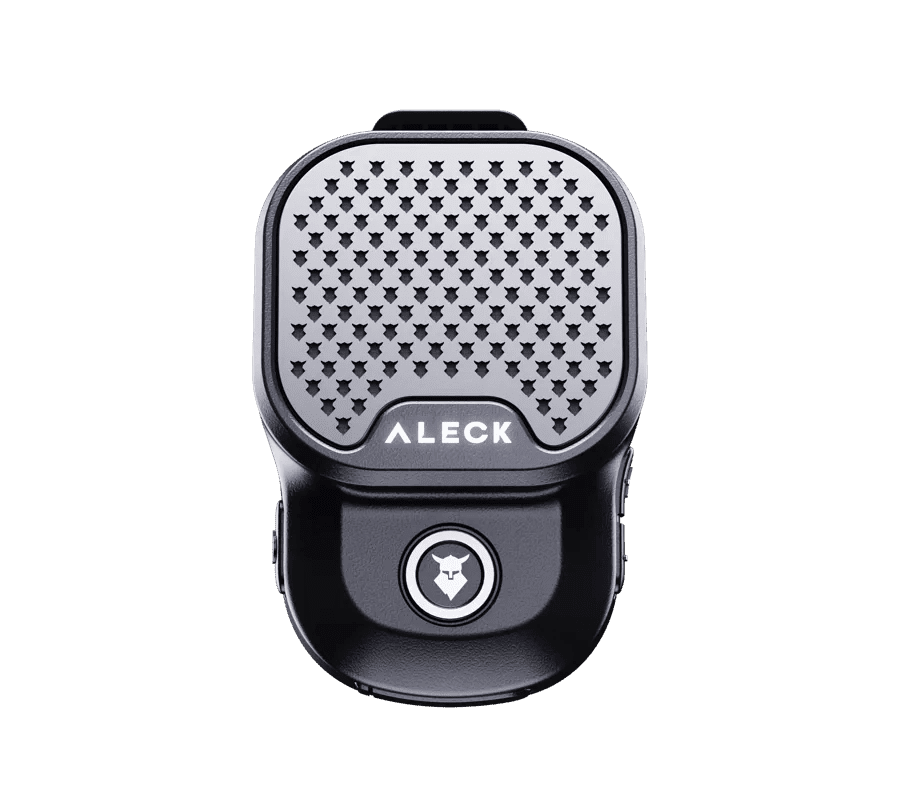
Device Controls

Make sure the Firmware of your device is up to date

Power

Power

Turn the power switch to the ON position

Bluetooth Pairing

Bluetooth Pairing

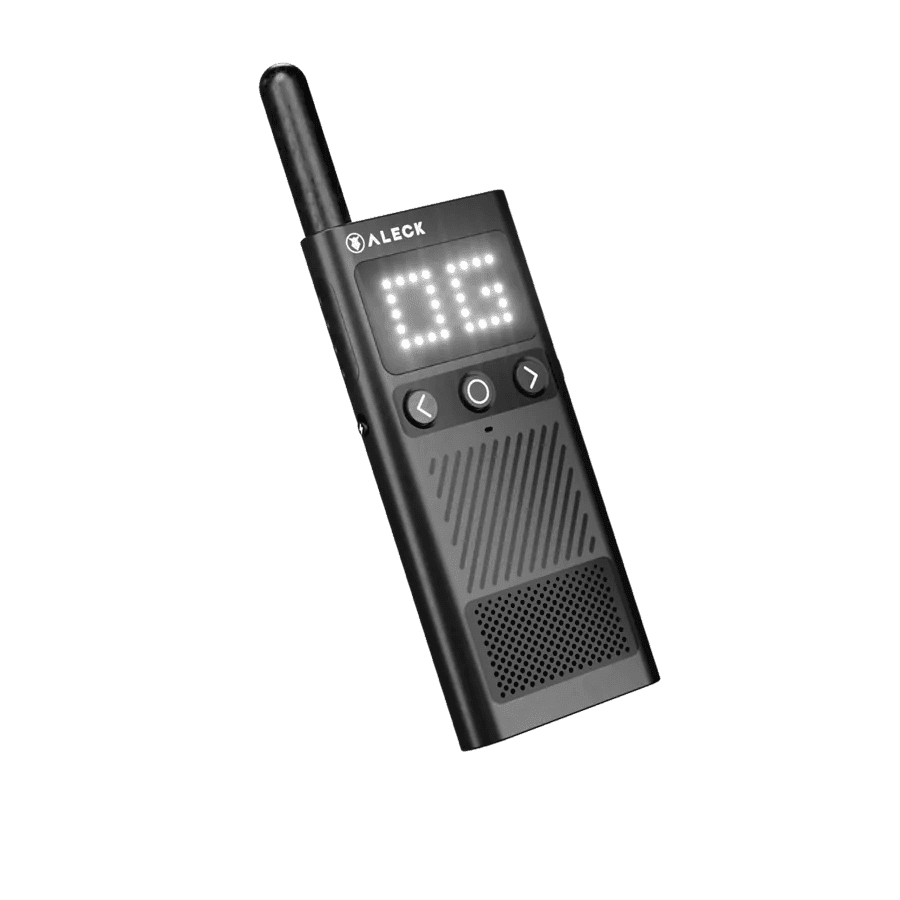
Press & Hold Both for 4s

Volume Up

Volume Up

Tap the Right arrow key

Volume Up
Volume Down

Volume Down

Tap the Left arrow key

Volume Down
Factory Reset

Factory Reset

Hold the Right button and then hold the comms button for 10s until the screen lights up fully.
User Manual

Download User Manual in PDF format

<p>Aleck Off Grid User Manual</p>

Aleck Off Grid User Manual

Last update: 25 February 2025

Download

Have Questions?

Visit Aleck Help Center or Contact Us

Help Center

Check out our FAQs for guidance on setup, troubleshooting, and in-depth information.

Go to Help Center

Contact Us

Have questions or need assistance? We will help you!

Send Email