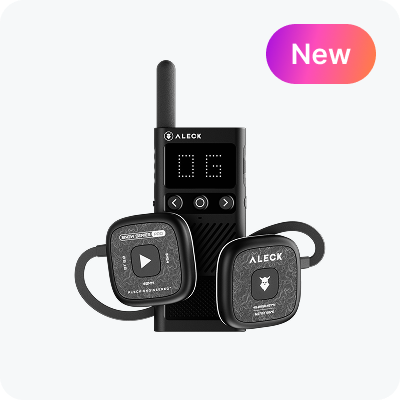
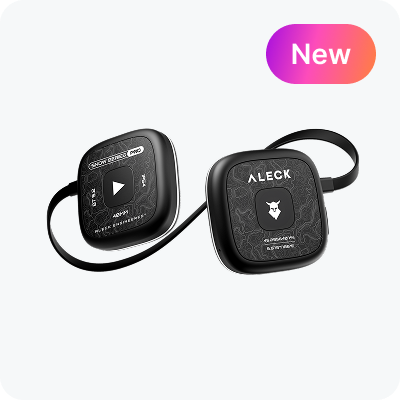

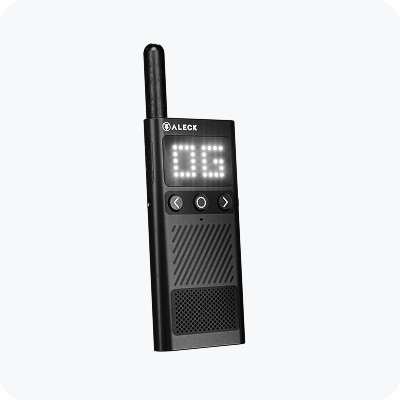
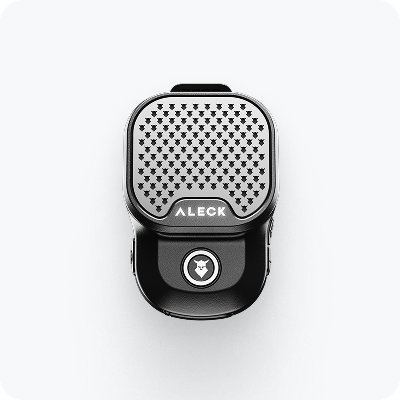
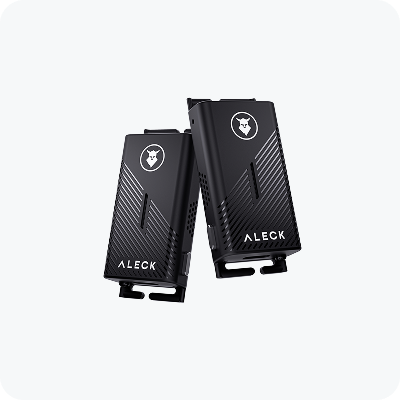
Support for Aleck ROX

Small Wearable Speaker

Quick Start Guide

Quick device setup for convenient use

Step 1

Turn on the Rox

Hold the power button until the device turns on.


Step 2

Connect via Bluetooth

The Rox will be in pairing mode, shown by the blinking LED. Open your phone’s Bluetooth settings and select “Aleck Rox [XXX]” to connect.

Quick Start Videos

Short videos to get you started

Device Controls

Make sure the Firmware of your device is up to date

Power

Power

Press & power button for 2s

Bluetooth Pairing

Bluetooth Pairing

When the Rox is not connected to any device, it automatically stays in pairing mode.

Volume Up

Volume Up

Press volume up

Volume Down

Volume Down

Press volume down

Play / Pause

Play / Pause

Single Tap Viking button

Track Forward

Track Forward

Double Tap Viking

Track Backward

Track Backward

Triple Tap Viking button

Answer / End Call

Answer / End Call

Single Tap Right

Factory Reset

Factory Reset

Hold the Viking button until you hear the tone

ROX Duo Mode

Get maximum stereo with two ROX

Before You Start

Disconnect your phone from the ROX speaker.

Do not connect your phone until Duo Mode is set up.

Step 1

Turn on both speakers

Hold the Power button. LEDs should flash blue.

Step 2

Put Speaker 1 into Duo Mode

Double tap the Power button. You’ll hear: “Rox Duo Pairing.”

Step 3

Put Speaker 2 into Duo Mode

Double tap the Power button. The speakers will pair together.
Connect your phone4

Step 4

Connect your phone

Once paired, only one speaker will have a flashing blue LED — this is the one you must connect to via Bluetooth.

User Manual

Download User Manual in PDF format

<p>Aleck ROX User Manual</p>

Aleck ROX User Manual

Last update: 25 February 2025

Download

Have Questions?

Visit Aleck Help Center or Contact Us

Help Center

Check out our FAQs for guidance on setup, troubleshooting, and in-depth information.

Go to Help Center

Contact Us

Have questions or need assistance? We will help you!

Send Email