

← SUPPORT HUB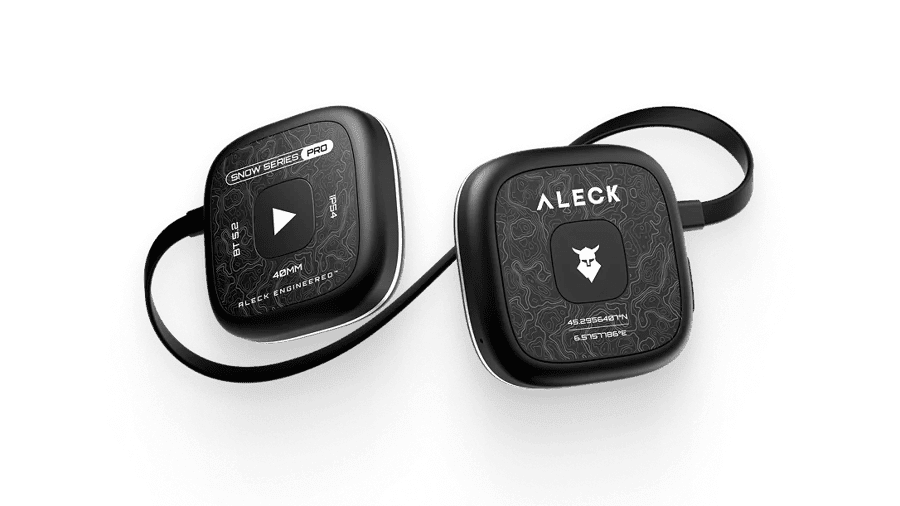


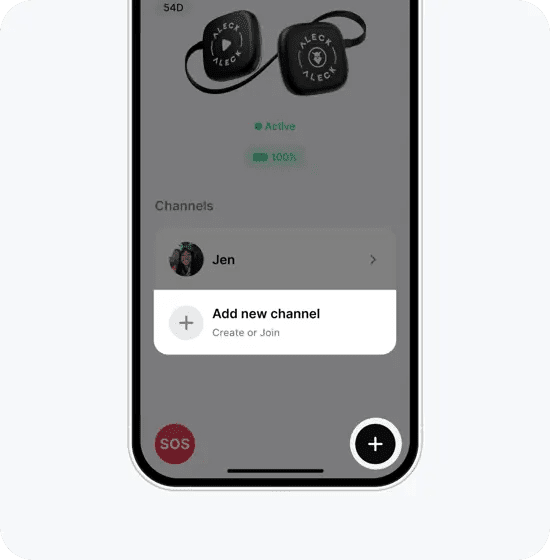 STEP 01
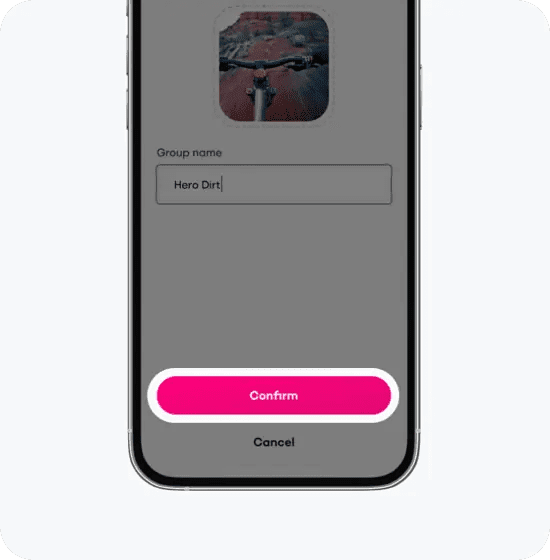 STEP 02
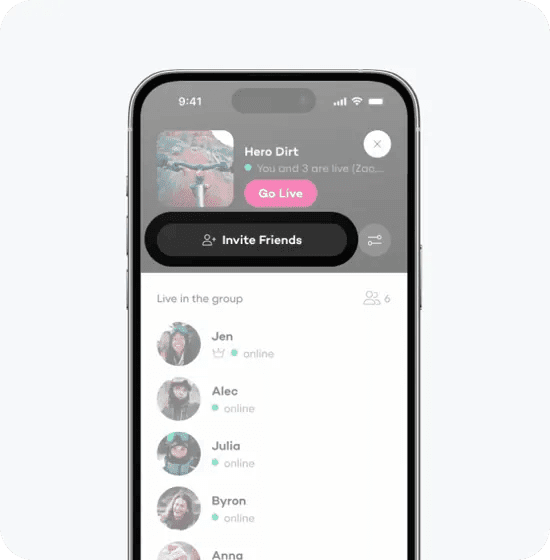 STEP 03
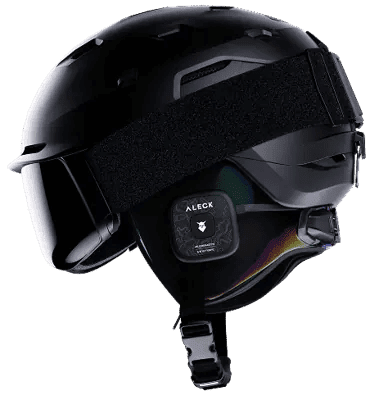
Support for Snow Series Pro.
Ultimate Snow Helmet Audio & Comms System
STEP 01
Download Aleck App
To continue, please download the Aleck app from the App Store or the Google Play Store.

STEP 02
Follow Instructions in App
If this is your first time using the app, complete the onboarding process.
If not, tap «Add Device», then tap «Aleck Snow» and follow the process.


Aleck Audio Lab EQ
Your personal EQ studio0:45
Power
Press & Hold Both for 2s

Bluetooth Pairing
From Power Off, Press & Hold Both for 4s

Volume Up
Press & Hold Right

Volume Down
Press & Hold Left

Play / Pause
Single Tap Right

Track Forward
Double Tap Right

Track Backward
Triple Tap Right

App Un/Mute
Single Tap Left

Answer / End Call
Single Tap Right

Call Un/Mute
Double Tap Right

Voice Assistant
Double Tap Left

Factory Reset
While device is off, Press & Hold Both for 10s
Tap to “+” or "Add new channel" button
Before you need to register.
Add Channel Details
Choose a picture and a name, and tap save.
Invite friends
To invite a friend, tap on the invite button on the right.
